Built by a working teacher

Less admin.
More teaching.

The calm teaching desk for teachers and tutors. No login, no cloud. £24.99, once.
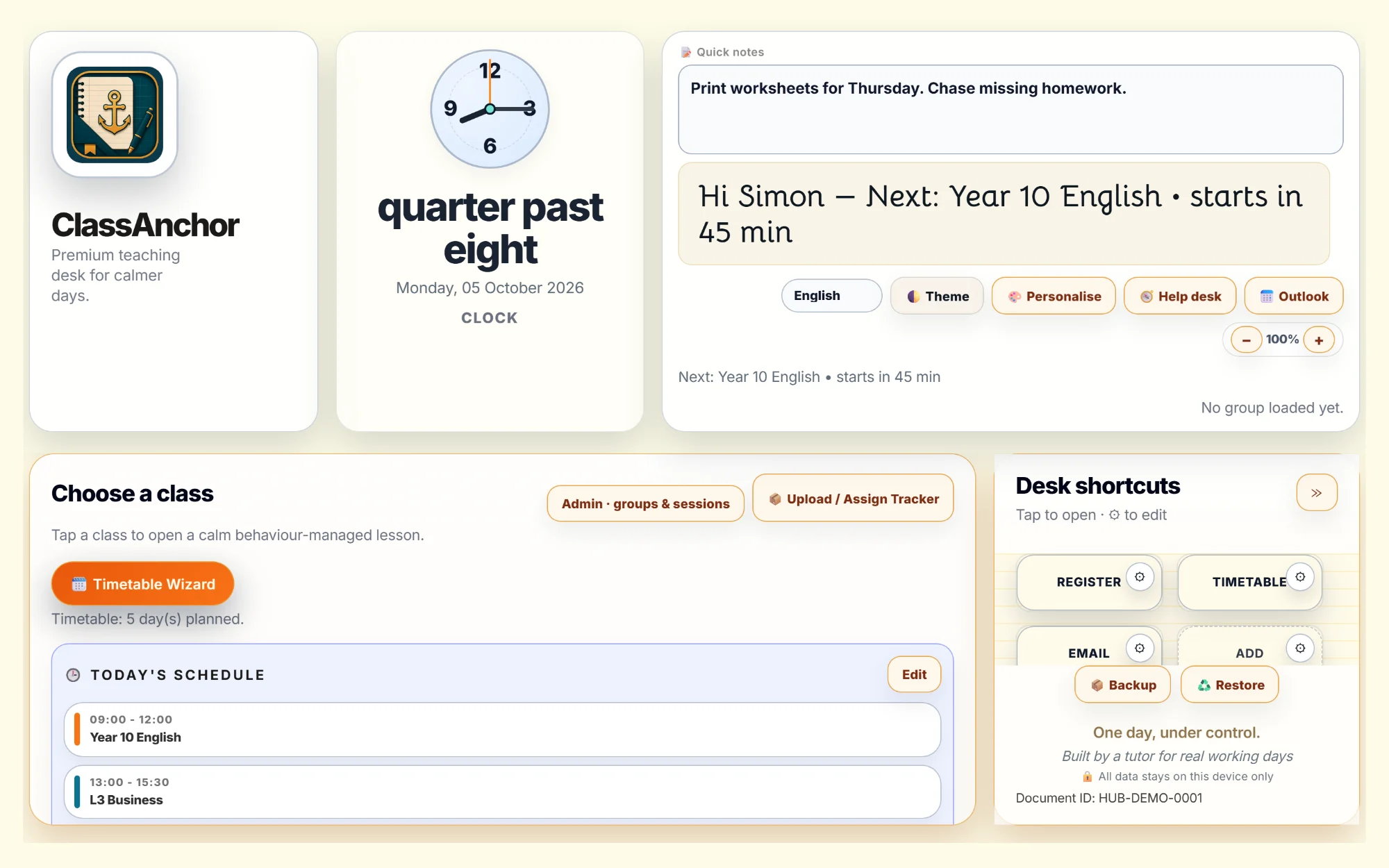
The ClassAnchor desk: a clock reading quarter past eight, today's schedule, quick notes and desk shortcuts.
Greeting: Hi Simon. Next: Year 10 English starts in 45 min.

You got into teaching to teach. Not to drown in admin.

A Monday with ClassAnchor

Watch a teaching day get easier.

08:15

Your day, ready before you are.

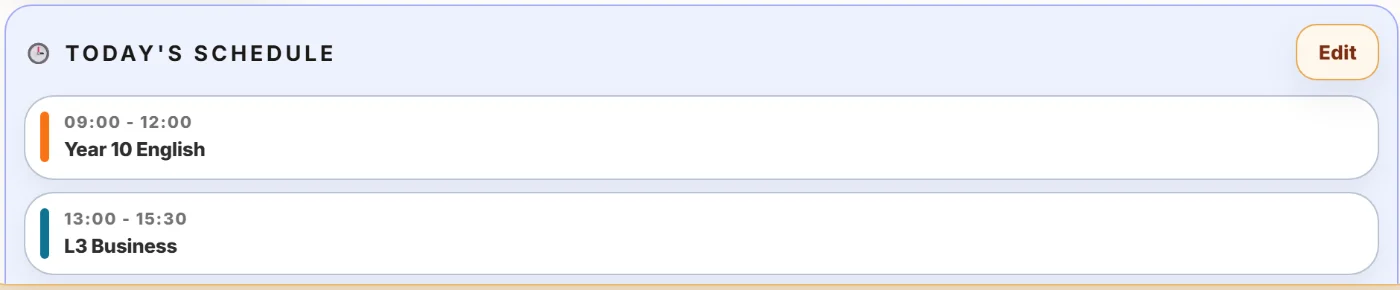
Today's schedule: Year 10 English 09:00 to 12:00, L3 Business 13:00 to 15:30.

09:35

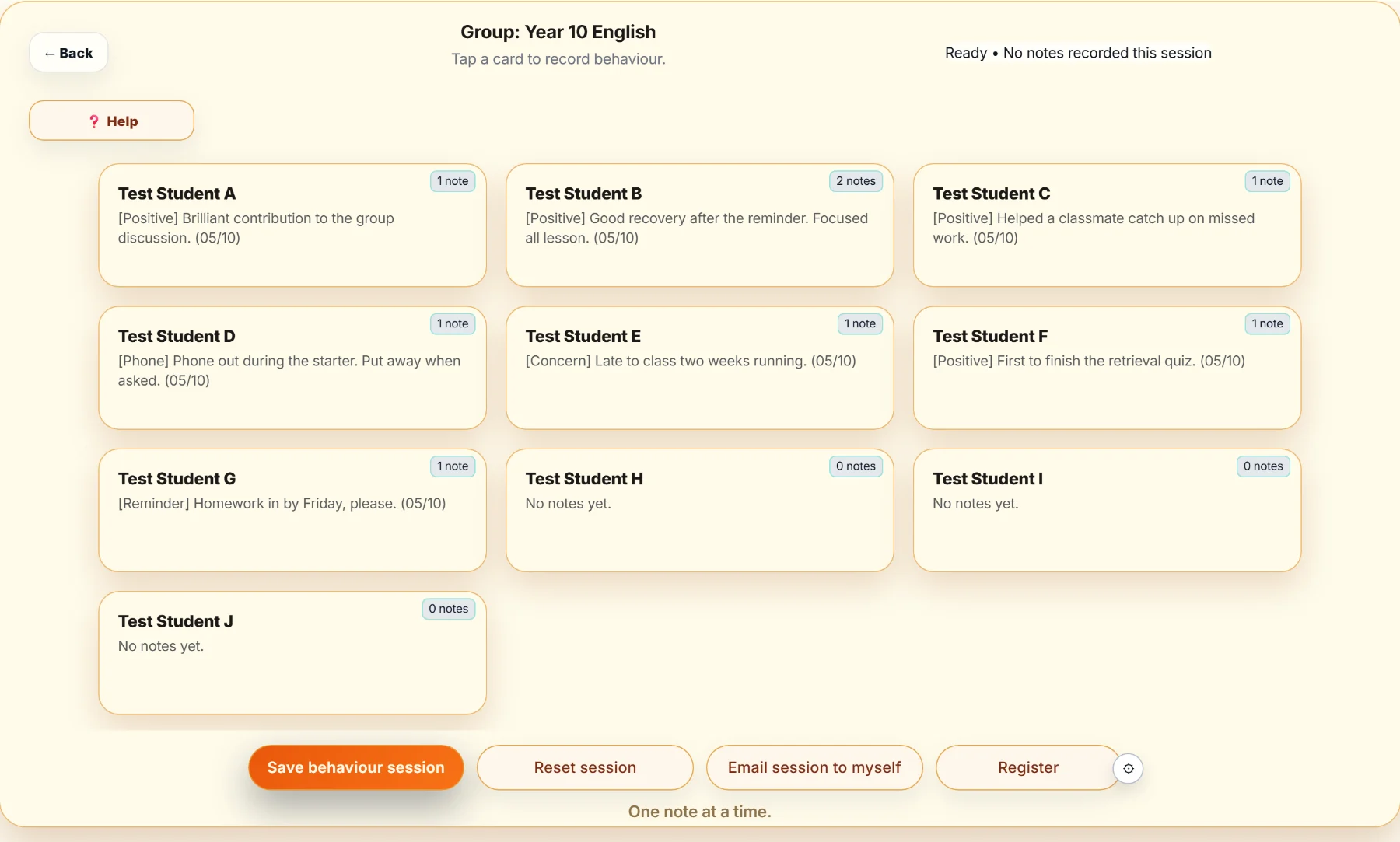
Tap a name. Log it. Keep teaching.

A class of test students, each card showing their latest behaviour note.

11:05

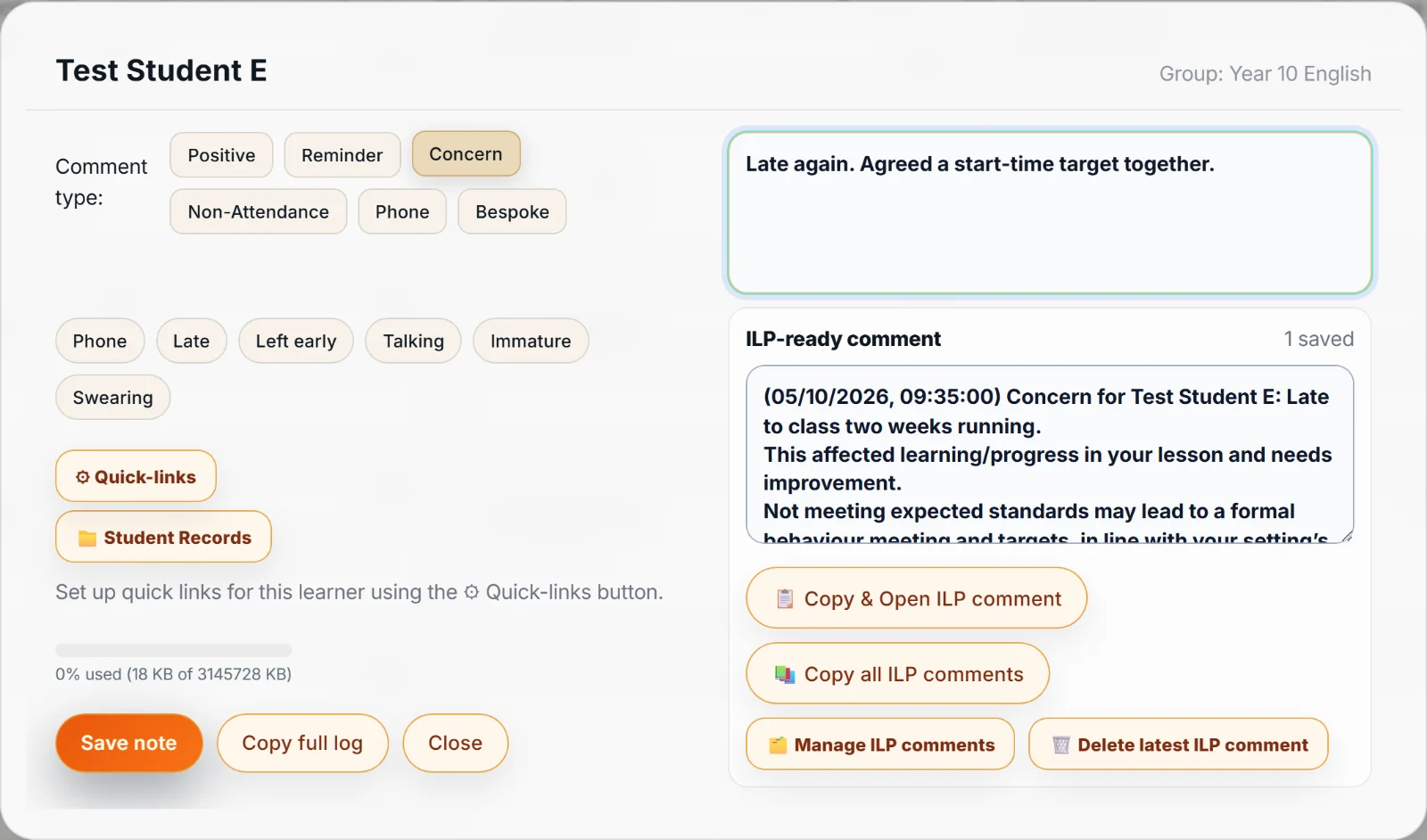
A concern, logged in seconds.

A student card open with the Concern type selected and a short note typed in.

12:40

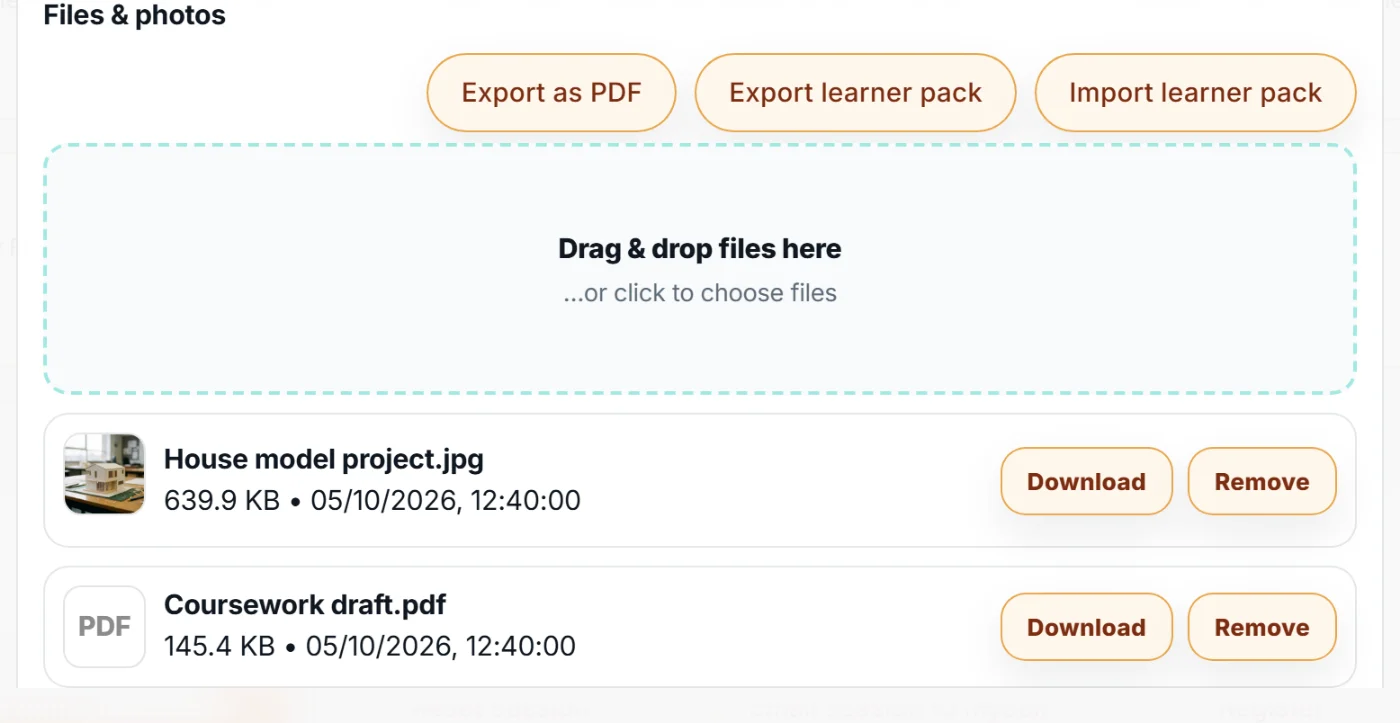
Evidence, filed with the learner.

Student records with a photo of a house model project and a coursework draft PDF attached.

15:50

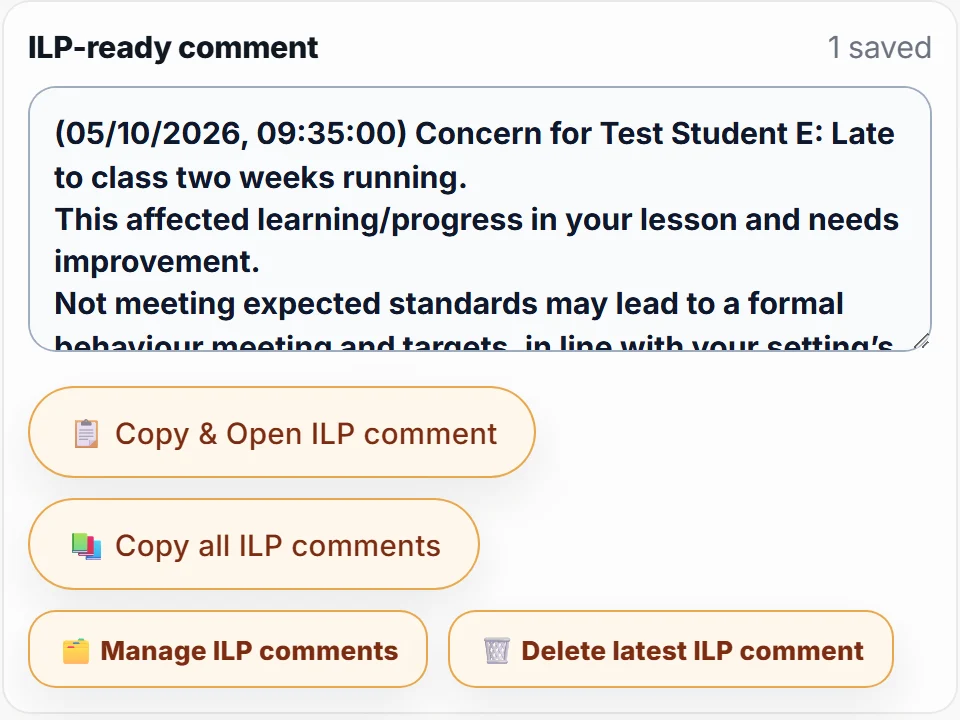
Your ILP comment, drafted for you.

An ILP-ready comment generated from the concern note, with a Copy and Open ILP button.

16:30

Admin done.
Home on time.

Your learners' data stays on your computer.

  • No loginNothing to sign up for. Open it and start.
  • No cloudNotes and records stay in your browser.
  • Wifi drops? Keep goingOnce it's open, ClassAnchor keeps working.

The small things that save your day.

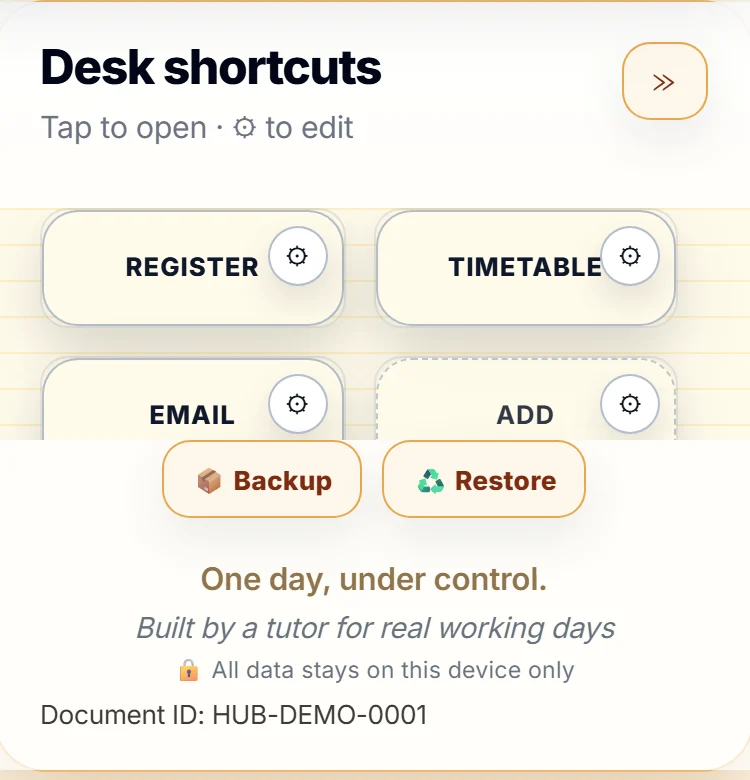
Desk shortcuts for Register, Timetable and Email.

Desk shortcuts

Register, ILP system, email. One tap each.
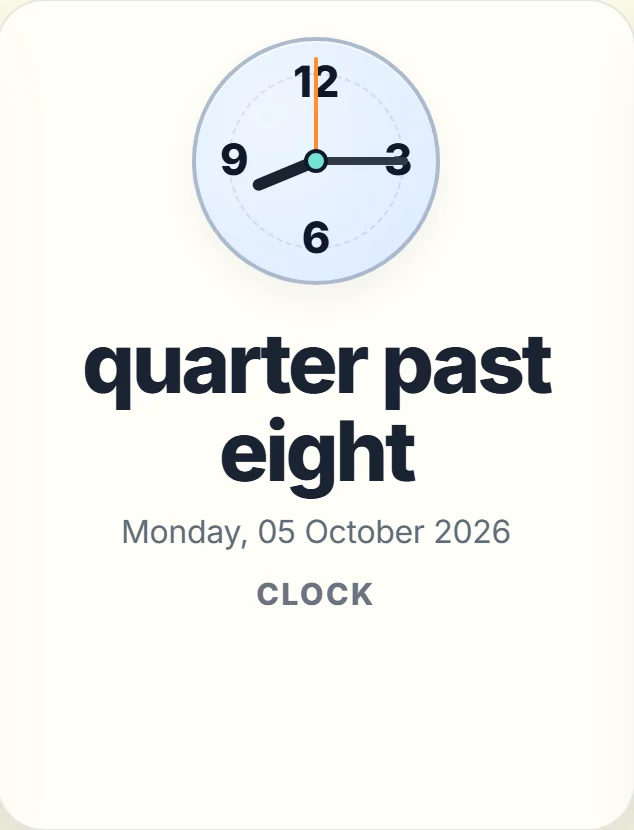
A clock that reads quarter past eight in words.

A clock in words

Readable from the back of the room.

Nine languages

Switch the whole desk in one click.

EnglishEspañolFrançaisPortuguêsالعربيةहिन्दी中文РусскийKiswahili

Backup in one file

Move to a new laptop in seconds.

Outlook quick add

Pop a reminder in your calendar.

A teacher's desk in the morning: a mug of coffee, a laptop and a stack of exercise books.

Made in a classroom, not a boardroom.

I'm Simon, a tutor in UK further education. I built ClassAnchor for my own classes, then kept refining it until it fit a real teaching day.

Made with coffee and tappy fingers by Simon Christian

Pay once. Keep it.

ClassAnchor

£24.99one tutor, for good

  • Timetable and live day view
  • Behaviour notes in two taps
  • ILP-ready comments
  • Student records and PDF export
  • 16 desk shortcuts
  • Backup, restore and Outlook

For a whole department

One purchase, one key to share with your team.

10 tutors£149.99£15 each 25 tutors£299.99£12 each 50 tutors£499.99£10 each

Questions

Is there a free version?

Yes. Try ClassAnchor with up to 2 classes and 3 desk shortcuts, then upgrade when you're ready. Try it free.

Do I need an account?

No. There's no login and nothing to sign up for.

Where is my data kept?

In your browser, on your computer. Nothing is sent to a server. Use Backup to save a copy, and Restore to move it. On a shared computer, use your own login so others can't open your notes.

Does it work without wifi?

Once ClassAnchor is open, it keeps working if the connection drops. You need the internet to open it the first time each session.

What do I get when I buy?

An email with your licence key and a link to open ClassAnchor. Pay once, no subscription.

Will it run on my college laptop?

It runs in your web browser, with nothing to install. Try it free on your own machine first.

Can my department buy it?

Yes. Team packs cover 10, 25 or 50 tutors with one purchase, and every order comes with a receipt for your finance team. See team prices.

Tomorrow's teaching day, sorted.